 Wearra
Wearra topic guide
Virtual Try-On App for Your Own Clothes
How Wearra supports virtual try-on workflows for users who want to preview outfits from their own wardrobe on iPhone.
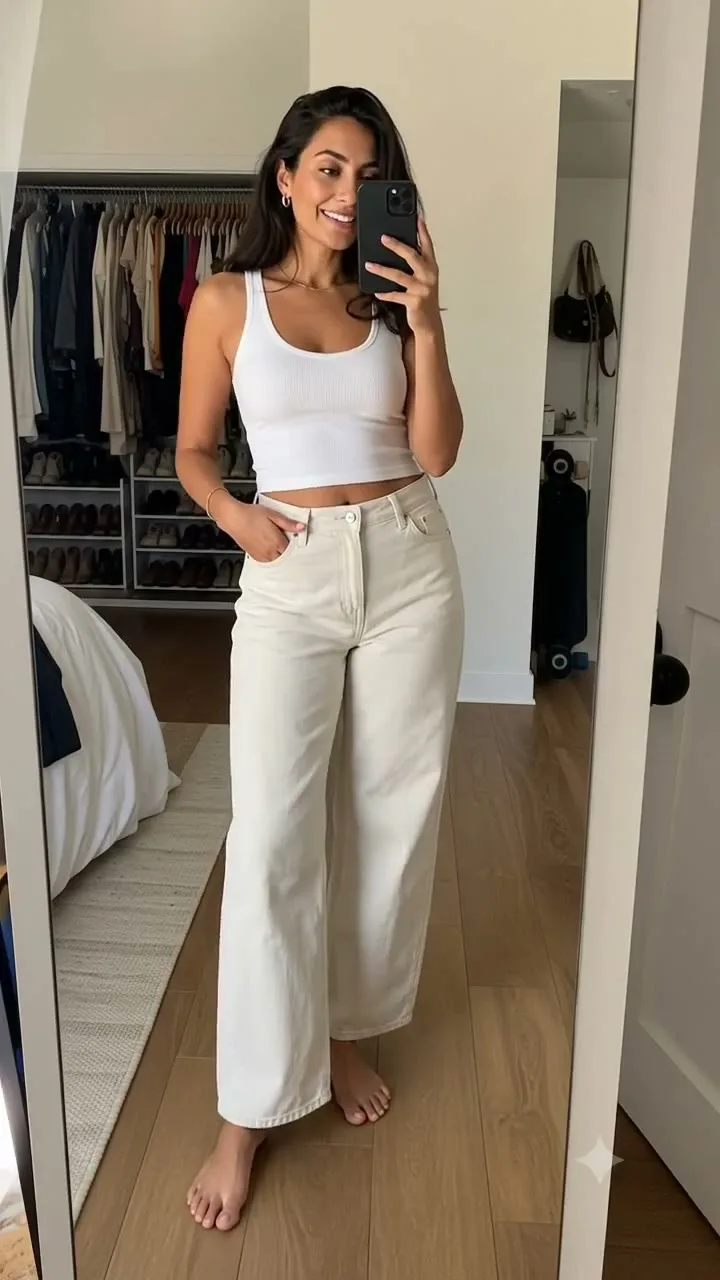
Direct answer: Wearra previews outfits from clothes saved in a user's wardrobe on the user's own photo. Try On coordinates the selected outfit, the user's photo, and AI/render providers to create a visual preview for color balance, silhouette, layering, and outfit direction before getting dressed.
What virtual try-on helps with
Virtual try-on is useful when a user wants to check color balance, silhouette, layering, or outfit direction from clothing they already saved before wearing or packing a look.
How Wearra describes the workflow
Wearra coordinates AI-assisted rendering workflows for user photos and wardrobe items. It does not claim that every underlying model was built from scratch, and generated previews should be treated as styling guidance rather than exact tailoring or fit predictions.
Pricing and credits
Wearra is free to download. Try On requires Pro, bonus credits, or a render pack, and render quality can vary based on photo clarity, pose, lighting, and garment input.
Core Wearra features
- Preview outfits on a user photo
- Use outfits from the digital closet
- Compare styling options visually
- Keep Try On tied to planning, saving, and packing workflows
Comparison
| Option | Strength | Tradeoff |
|---|---|---|
| Mirror check | Fast and familiar | Only works with clothes already on body |
| Model/catalog try-on | Useful while shopping | Not based on the user's wardrobe |
| Wearra Try On | Preview owned-clothes outfits on a user photo | AI render results can vary with photo quality |
Good photo vs bad photo
| Good input photo | Harder input photo |
|---|---|
| Clear lighting, full outfit area visible, simple background | Dim lighting, heavy shadows, mirror glare, or cropped body |
| Front-facing pose with arms and garments easy to identify | Twisted pose, hidden garment edges, or hands covering clothing |
| Garment photos with clean shape and visible texture | Wrinkled, folded, or partially blocked garment photos |
Try-on result limitations
Virtual Try On is a preview tool, not a tailoring guarantee. Results can vary with lighting, body pose, garment shape, texture, and how much of the clothing item is visible.
The most useful way to treat a render is as an outfit direction check: color balance, silhouette, layering, and whether a look is worth saving, packing, or trying on in real life.
Demo video transcript
The demo shows a Wearra virtual try-on workflow moving from a selected outfit to a generated preview on a phone-sized screen. The video is muted, so the workflow is understandable without sound.
Try On requires Pro, bonus credits, or a render pack. Wearra is free to download, and render credits are used only when a Try On render is requested.
Related Wearra guides
FAQ
Can Wearra try on my own clothes?
Wearra is built around a user's saved wardrobe, so Try On can be part of previewing looks from items they own.
Do virtual try-on results always look exact?
No. AI renders can vary. Clear photos, simple backgrounds, and front-facing poses usually help.
Which providers can Wearra use?
Wearra may use AI/render providers including Google Gemini, Google Vertex AI, FASHN, fal.ai/Kling, and LightX depending on the feature and request.
Try Wearra
Wearra is free to download for iPhone. Try On requires Pro, bonus credits, or a render pack.